Bring your canvas along
Scan a participating design’s GYDLY QR code to open Smart Canvas, or enter its Canvas Code to preview and save. Your projects have a place to come back to.
 Open GYDLY
EVERY STITCH, GUIDED.
A little guidance. A lot of possibility.
Bring your needlepoint projects, personal palettes and stitch inspiration together in one thoughtful place.
Free U.S. soft launch · Ages 18+ · Available on the web
Try a color. Make it yours.
A sample, just for exploring.
Lavender palette selected.
FOR THE JOY OF STITCHING
Your stitching is personal. Your digital companion should feel that way, too.
Scan a participating design’s GYDLY QR code to open Smart Canvas, or enter its Canvas Code to preview and save. Your projects have a place to come back to.
Explore a palette of your own, choose DMC threads and reset when you want to. Personal changes stay with your project, while the designer’s original stays theirs.
See the DMC threads for your current palette in Thread Kit. Mark what you have and export a clear PDF to keep with your project.
Screen colors and previews are approximate. Thread Kit lists selected threads; it does not estimate quantities.
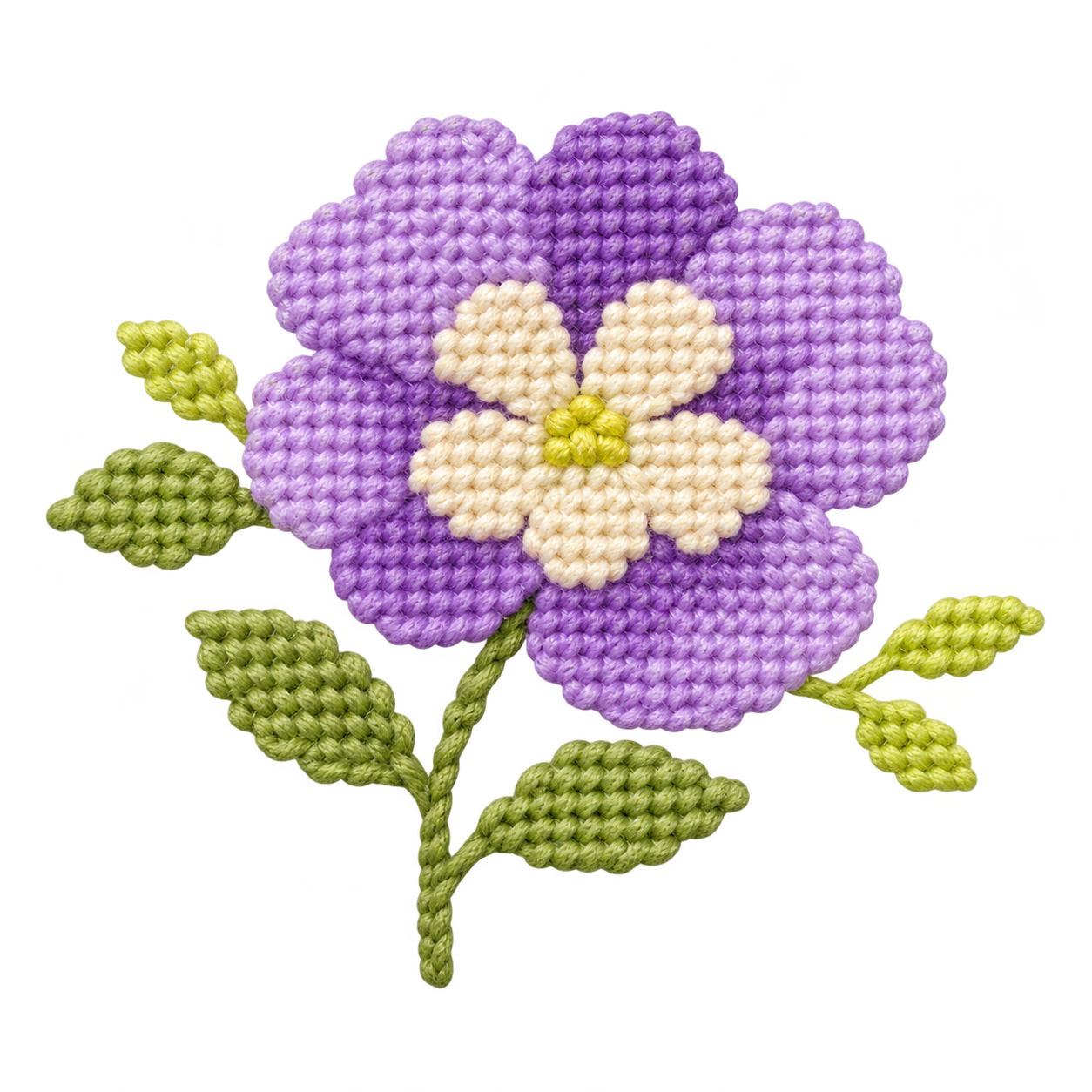 A little inspiration goes a long way.
A LITTLE GUIDANCE, WHEN YOU NEED IT
Explore stitch techniques with diagrams and animated movements. In Smart Canvas, preview a technique on your design, then open its tutorial for a closer look.
Short app tutorials help you add a project, find your way around Smart Canvas and personalize your colors.
Explore the lesson libraryFOR DESIGNERS & THEIR TEAMS
Designer Studio connects the canvas you create with the stitcher who makes it their own.
Explore Designer Studio DESIGNER STUDIO
Create your Studio and invite teammates with the right permissions.
Import your design, review its colors and DMC suggestions, and add guidance for stitchers.
Publish your design and give stitchers a GYDLY code to open their own personal project.
Your artwork stays yours. Your stitchers’ personal palettes stay theirs.
A FEW THINGS TO KNOW
Open the Stitcher web app, create and confirm your account, and set up your profile. You can explore an optional sample or add a participating design with its GYDLY Canvas Code.
Yes. You can use the web app in your phone’s browser, as well as on a tablet or computer. Our native iPhone app is being prepared for its App Store release.
Participating designers publish their designs through GYDLY Designer Studio and share a QR code or Canvas Code with stitchers. GYDLY is a digital companion; physical canvases and threads are separate.
The current collection focuses on DMC. Thread Kit reflects the thread selections in your current project and lets you mark what you already have. Always double-check thread colors against your physical materials.
Our initial soft launch is free for adults 18 and older in the United States. Create an account to save your personal projects, or visit the lesson library to see what you can learn.
MAKE ROOM FOR YOUR NEXT IDEA.
Your next project is waiting.
Open GYDLY